How a Host Family Manages Weekly Grocery Shopping with Their Au Pair
The Scenario
Family: Julia & Marc Weber with 2 children (ages 4 and 7), and their au pair Camila from Brazil
The Challenge:
Camila does the weekly grocery run, but forgotten items, lost receipts, and awkward reimbursement conversations are causing friction
The Problem: Receipts in Pockets, Lists on Paper
Before AuPairSync
- ✗Shopping lists sent via WhatsApp get buried under other messages
- ✗Camila forgets items because the list changed after she left the house
- ✗Crumpled receipts pile up on the kitchen counter — some get lost before reimbursement
- ✗Neither side wants to bring up money, so reimbursements are delayed or forgotten
The Solution: Shared Lists, Clear Expenses
AuPairSync replaces scattered messages and paper receipts with shared shopping lists that sync in real time, and a transparent expense workflow that removes the awkwardness from reimbursements.
How It Works in 5 Steps
Create a Shared Shopping List
Julia opens AuPairSync and creates a shopping list for the week:
- Name the list (e.g. "Weekly groceries" or "Aldi run")
- Add items with quantities — milk (2L), bananas (6), nappies (1 pack)
- Group items by store so Camila knows where to go
- Use frequent items to add regulars with one tap
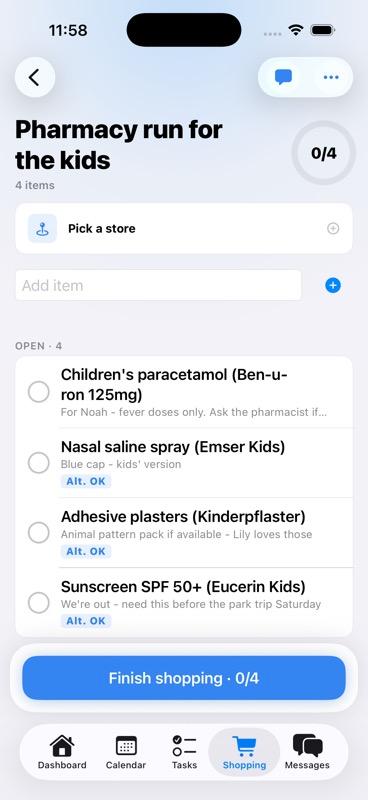
A shared shopping list with items organised by category
Assign the List to Your Au Pair
Julia assigns the list to Camila with a single tap:
- Select Camila as the shopper for this list
- Camila gets an instant push notification with the full list
- Any last-minute additions sync immediately — even if Camila is already at the store
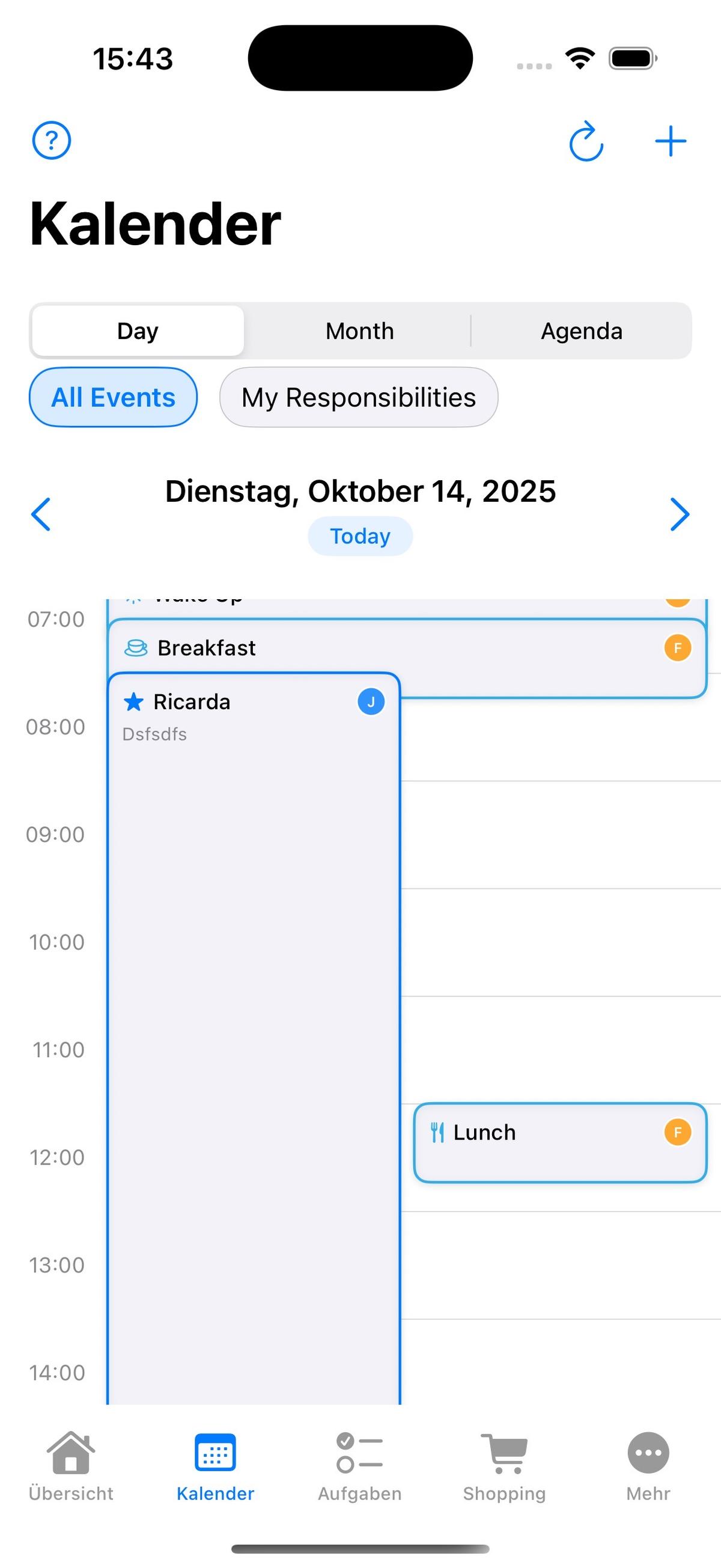
Assigning a shopping list and the au pair receiving a notification
Shop and Check Off Items
At the store, Camila uses her phone to work through the list:
- Tap items to mark them as bought — Julia sees progress in real time
- Leave a note if something is out of stock or substituted
- Mark the list as complete when done
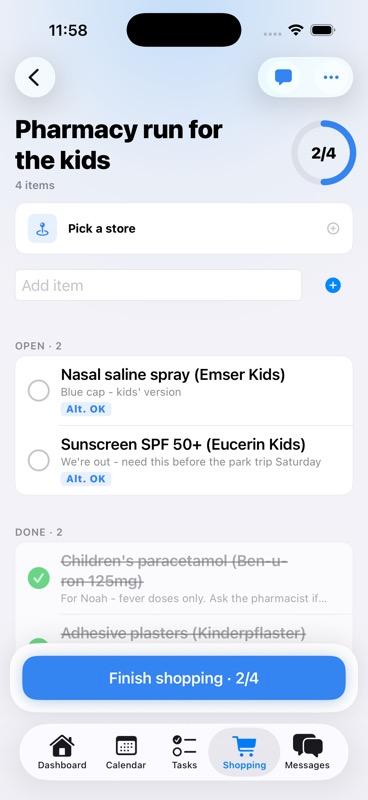
Camila checking off items while shopping
Snap the Receipt and Submit an Expense
Back home, Camila submits the expense in under 30 seconds:
- Take a photo of the receipt directly in the app
- Enter the total amount spent
- Submit the expense claim — Julia gets notified instantly
Receipt photo upload and expense submission screen
Review and Reimburse
Julia reviews the expense at her convenience:
- See the receipt photo, amount, and which shopping list it belongs to
- Mark as reimbursed after transferring the money
- Full expense history is kept — no more guessing who owes what
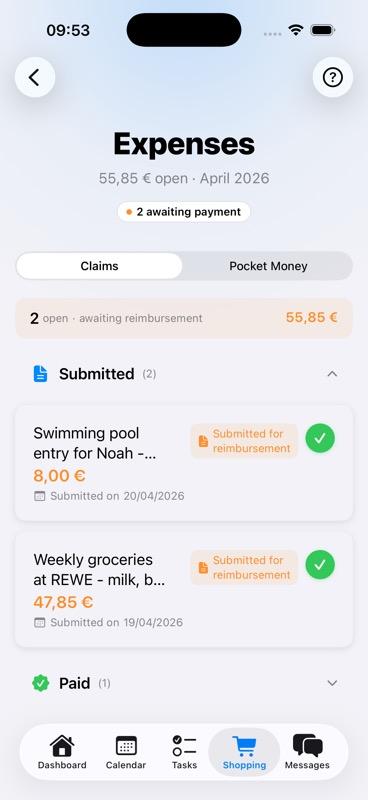
Parent reviewing the expense claim and marking it as reimbursed
A Routine That Runs Itself
After the first week, the Webers have a rhythm: Julia creates the list on Sunday evening, Camila shops on Monday, submits the receipt, and gets reimbursed by Tuesday. No reminders needed, no awkward conversations.
Pro Tip: Frequent Items
Save your regular items so next week's list takes 30 seconds to create instead of 10 minutes.
The Result
"We used to forget items every week and the receipt thing was a mess. Now Camila just opens the app at the store and everything is there. The expense part is the best — no more cash on the counter."
— Julia Weber, Host Mum
Zero lost receipts since switching to AuPairSync
Learn More About These Features
Shopping & Expenses
Shared shopping lists, receipt photos, and transparent expense tracking in one place
Explore Shopping Feature →Task Management
Assign and track daily responsibilities with photos and completion tracking
Explore Tasks Feature →